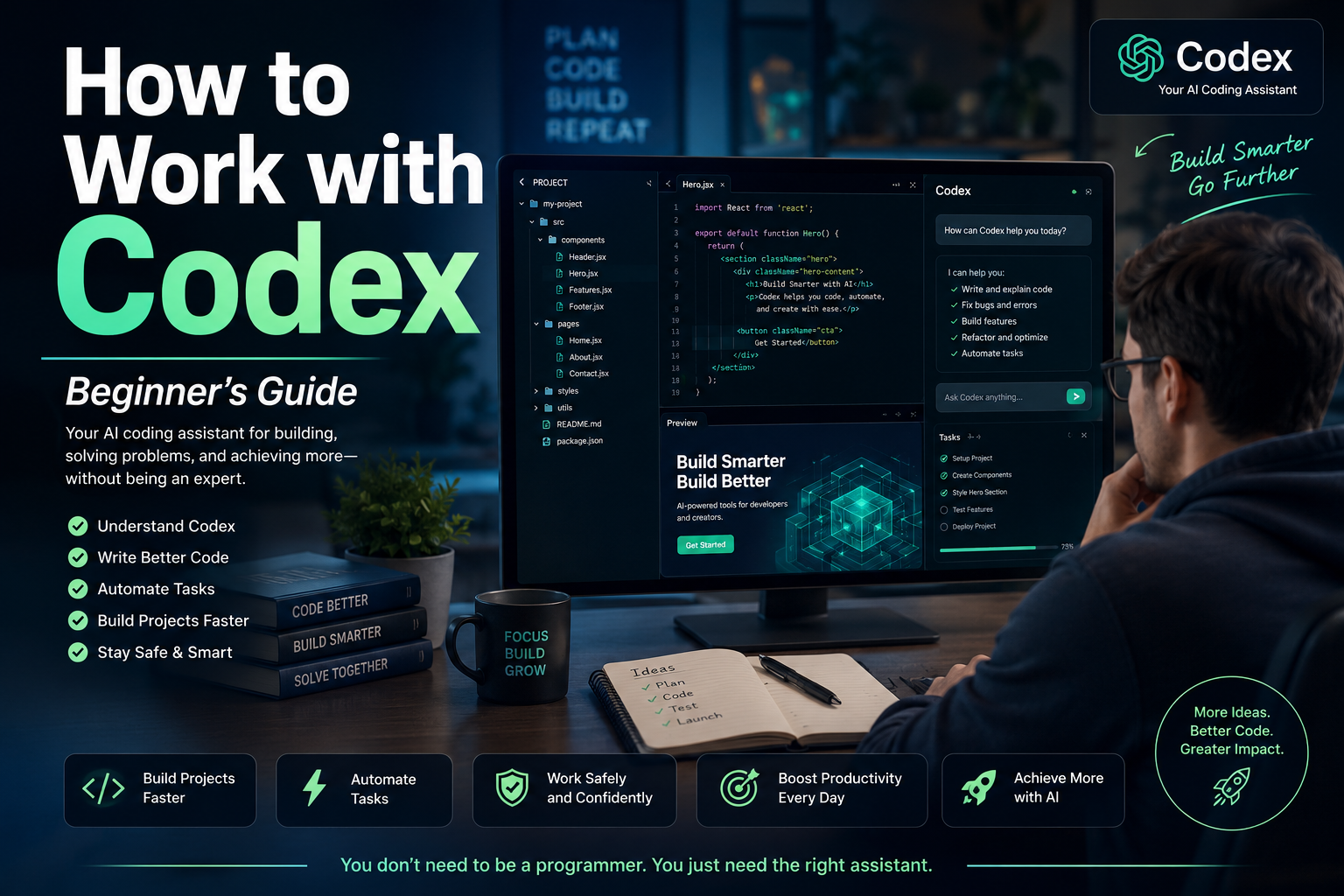
Artificial intelligence is changing how people create websites, develop applications, organize information, analyze data, and automate repetitive work. One of the most important tools in this transformation is Codex, OpenAI’s AI agent for working with software, files, projects, and technical workflows.
Codex is often described as a coding agent, but its usefulness is no longer limited to professional programmers. Entrepreneurs, digital marketers, content creators, analysts, consultants, and small-business owners can also use it to create practical tools, improve websites, examine project files, organize data, and automate recurring activities.
The key is understanding what Codex can do, how to communicate with it, and how to supervise its work responsibly.
What Is Codex?
Codex is an AI agent designed to help people write, understand, review, test, and improve software. It can examine the files inside an authorized project, understand how those files relate to one another, make coordinated changes, run commands, investigate errors, and explain the work it has completed.
Unlike a traditional chatbot that may give you a single piece of code to copy and paste, Codex can work with the structure of an entire project.
For example, instead of merely asking for a contact form, you could give Codex access to a practice website and instruct it to:
- Add a contact form to the correct page.
- Match the form to the existing design.
- Validate the required fields.
- improve the mobile layout.
- Check that the form does not interfere with other page elements.
- Explain every file that was changed.
OpenAI describes Codex as an AI coding agent that can help write, review, and ship code. It can work with local folders, Git repositories, development tools, terminals, editors, and cloud-based environments, depending on the way it is being used.
Why Should You Work with Codex?
1. It Helps Turn Ideas into Working Projects
Many people have valuable ideas, but do not know how to transform those ideas into functioning digital tools.
You may want to create:
- A landing page
- A lead-generation form
- A simple calculator
- A bilingual website
- A campaign-link organizer
- A customer-tracking dashboard
- A content-planning tool
- An email template manager
- A basic membership area
- A local SEO auditing tool
Codex can help transform a clearly explained idea into an organized project with actual files and working functionality.
You still need to define the purpose, audience, requirements, and limitations. However, you do not always need to know every programming command before beginning.
2. It Can Understand an Existing Project
One of the hardest parts of working with a website or application is discovering where everything is located.
A project may contain dozens or hundreds of files. One file may control the navigation, another may control the design, and several others may determine how forms, links, or data work.
Codex can inspect an authorized project and explain:
- What the project appears to do
- Which files are most important
- Where the homepage is located
- How the design is organized
- Where a particular button or form is created
- Which files may be responsible for an error
- How the project can be tested locally
This can save time and reduce the confusion caused by changing the wrong file.
3. It Can Make Coordinated Changes
A simple modification may require changes in several places.
For example, adding a Spanish version of a website may require:
- New Spanish pages
- Updated navigation
- A language selector
- Correct internal links
- Spanish SEO titles and descriptions
- Revised image descriptions
- Mobile-layout adjustments
- Updates to shared headers and footers
Codex can examine the relationships among the files and make coordinated changes rather than treating each file as an isolated document.
4. It Can Find and Fix Problems
Codex can help investigate:
- Broken buttons
- Missing pages
- Incorrect links
- Form-validation problems
- Layout issues
- Repeated code
- Installation failures
- Configuration mistakes
- Accessibility concerns
- Test failures
The agent can inspect the relevant files, identify likely causes, propose a solution, and run available tests or commands to verify its work.
This does not guarantee that every answer will be correct. Human review and manual testing are still necessary. However, Codex can significantly accelerate the investigation process.
5. It Can Automate Repetitive Work
Many business activities follow predictable patterns.
A marketer may repeatedly need to:
- Clean subscriber lists
- Organize campaign information
- Create tracking links
- Check pages for missing SEO elements
- Rename image files
- Generate standardized reports
- Convert data into a preferred format
- Compare campaign results
- Prepare recurring content structures
Codex can help create scripts or lightweight tools that perform these activities consistently.
OpenAI has also expanded Codex beyond traditional software development. Recent official materials describe its use in research, reports, data analysis, workflow automation, documents, spreadsheets, presentations, and lightweight business tools.
6. It Gives You Reviewable Changes
A responsible AI workflow should not hide what has been changed.
Codex can present file differences so that you can examine additions, removals, and modifications before accepting or publishing the result. The desktop experience supports project threads, reviewable changes, and parallel work in isolated project environments.
This is important because you remain responsible for the final result.
Who Can Benefit from Codex?
Codex is especially valuable for:
Developers
Developers can use it to write features, review code, create tests, repair bugs, perform migrations, improve documentation, and understand unfamiliar repositories.
Digital Marketers
Marketers can use it to create landing pages, analyze HTML, generate campaign tools, organize links, examine tracking implementations, and automate repetitive reporting.
Small-Business Owners
Business owners can use Codex to develop simple internal tools without immediately commissioning a large custom software project.
Content Creators
Creators can build article organizers, content databases, publishing checklists, metadata generators, or systems for managing bilingual content.
Analysts and Researchers
Codex can help process datasets, create repeatable analyses, organize research materials, and produce structured outputs.
Beginners
Beginners can use Codex to learn how projects are organized, understand unfamiliar code, and build small practice projects with detailed explanations.
However, beginners should start slowly and avoid giving an AI agent unrestricted access to critical business systems.
How to Start Working with Codex
Step 1: Choose How You Will Use It
Codex can be used through different environments, including the ChatGPT desktop experience, an editor integration, the command-line interface, and supported cloud workflows.
OpenAI’s current starting guidance instructs users to open Codex, sign in with their ChatGPT account, and select a local folder or Git repository where the agent will work.
For most beginners, the desktop experience is easier because it provides a visual interface for projects, conversations, approvals, file changes, and results.
The Codex desktop experience became available on macOS and Windows, and Codex has since been incorporated into the broader ChatGPT desktop application experience.
Step 2: Create a Safe Practice Folder
Do not begin by giving Codex access to the only copy of an important website.
Create a separate folder, such as:
codex-practice-project
Use that folder to test simple assignments. You could place a text file inside it containing a brief project description.
For example:
“This is a practice project for creating a simple bilingual digital-marketing landing page. Do not modify files outside this folder.”
Working in a separate folder gives you room to experiment without endangering an active business project.
Step 3: Start with a Small Project
Your first project should be easy to inspect manually.
A suitable beginning assignment would be:
“Create a responsive one-page website for a fictional digital-marketing service. Include a headline, an introduction, three benefits, a call-to-action button, and a footer. Use only HTML and CSS. Explain every file you create.”
A small project allows you to observe:
- How Codex interprets instructions
- How it organizes files
- How it explains its work
- How proposed changes are displayed
- How you can request revisions
- How testing is performed
Step 4: Ask Codex to Inspect Before Editing
When working with an existing project, begin with inspection.
Use an instruction such as:
“Inspect this project without changing anything. Explain what it does, identify the important files, and tell me which files would probably need to change to improve the homepage.”
This separates analysis from implementation.
Once you understand the plan, you can authorize a specific change.
Step 5: Give Complete Instructions
Codex performs better when your request includes five elements:
Context
Explain what the project is.
“This is a bilingual landing page promoting a secure cloud-backup service.”
Objective
State what you want accomplished.
“Improve the page so visitors understand the service and feel comfortable beginning a free trial.”
Requirements
List the elements that must be included.
“Add a clear headline, three benefits, a short trust section, a frequently asked questions section, and two calls to action.”
Restrictions
Explain what must not change.
“Do not change prices, affiliate links, tracking codes, form destinations, disclaimers, or product names.”
Verification
Tell Codex how to check the work.
“After making the changes, check the page for broken links, mobile layout problems, missing image descriptions, and HTML errors. Summarize every file modified.”
This structure reduces ambiguity and gives the agent a clear definition of success.
Step 6: Review the Plan
Before allowing major modifications, ask Codex to present a plan.
For example:
“Before changing any files, explain your approach and list the files you expect to create or modify.”
Review the plan carefully.
Make sure the agent understands:
- The correct business objective
- The correct target audience
- The correct language
- The files may change
- The files it must preserve
- The links must not alter
- Whether publishing is allowed
For important projects, you should explicitly state:
“Do not publish, deploy, push, merge, send, or delete anything without my approval.”
Step 7: Review the File Changes
After Codex completes a task, examine the differences.
Look for:
- Unexpected file deletions
- Altered links
- Rewritten prices
- Modified legal language
- Removed tracking codes
- New external dependencies
- Unfamiliar scripts
- Changes outside the requested area
- Placeholder text
- Incorrect translations
Never approve changes simply because the agent says the task was successful.
Step 8: Test the Result
Ask Codex what it tested and then perform your own inspection.
For a website, manually test:
- Navigation
- Buttons
- Forms
- Mobile appearance
- Desktop appearance
- English and Spanish pages
- Affiliate links
- Download links
- Contact information
- Accessibility
- Page loading
For a data tool, test it using a small copy of your data before using customer or business records.
Step 9: Save a Working Version
Use backups or version control.
Git is a system that records project changes. It allows you to compare versions and restore a previous state if a modification creates a problem.
Even without advanced Git knowledge, you can ask Codex to explain whether a project already uses Git and what the current status means.
However, do not allow the agent to push changes to a public repository or deploy a website until you understand and approve the result.
Step 10: Expand Gradually
Once your first project works, add one improvement at a time.
For example:
- Create the original landing page.
- Improve the mobile layout.
- Add the Spanish version.
- Add an FAQ section.
- Add an SEO checker.
- Add a campaign-link organizer.
- Add a simple reporting feature.
This gradual approach makes errors easier to identify and correct.
A Practical First Codex Project for a Digital Marketer
A useful beginner project would be a Bilingual Campaign Page Generator.
The tool could allow you to enter:
- Campaign name
- English headline
- Spanish headline
- Product description
- Benefits
- Call-to-action text
- Destination URL
- SEO title
- Meta description
- Image title
- Alternative text
- Caption
- Disclaimer
The tool could then generate organized English and Spanish page files.
A first Codex instruction might be:
“Create a simple local bilingual campaign-page generator using HTML, CSS, and JavaScript. The user should be able to enter English and Spanish marketing information and generate a preview. Do not use external libraries. Keep all information inside the browser and do not transmit data anywhere. Explain how to open and use the project.”
This project is practical, relatively easy to inspect, and directly connected to online marketing work.
Important Safety Practices
Protect Passwords and Private Keys
Never paste passwords, payment credentials, private API keys, secret tokens, or customer information into an instruction unless you fully understand the security environment and the information is genuinely required.
Use placeholder values during development whenever possible.
Use Copies of Important Data
Test scripts on copied data, not on your only business records.
Limit the Working Folder
Give Codex access only to the project it needs.
Require Approval for Sensitive Actions
Be careful with commands that install software, delete files, change permissions, connect to external services, publish websites, or modify databases.
Review Legal and Marketing Claims
Codex may help write text, but you are responsible for verifying prices, guarantees, earnings claims, testimonials, privacy statements, and disclaimers.
Maintain Human Oversight
AI agents can misunderstand requirements, make incorrect assumptions, or create code that appears functional but contains hidden problems.
Human review is not an optional final step. It is part of the process.
Common Beginner Mistakes
Asking for Too Much at Once
“Build my entire online business” is too broad.
A better instruction is:
“Create the first version of a responsive lead-capture landing page using placeholder form information.”
Giving Vague Instructions
“Make the site better” does not define what better means.
Specify whether you want improved clarity, speed, credibility, accessibility, mobile layout, or conversions.
Failing to State Restrictions
When important elements must remain unchanged, say so explicitly.
Approving Changes Without Testing
A completed task is not automatically a correct task.
Using Live Business Data Too Soon
Practice with sample data before using real subscriber, customer, financial, or campaign information.
Allowing Automatic Publishing
Keep publishing and deployment under manual control while you are learning.
A Simple Codex Workflow
A reliable workflow can be summarized in seven stages:
Inspect → Plan → Authorize → Implement → Review → Test → Publish
Inspect
Understand the existing project.
Plan
Define the intended changes.
Authorize
Approve only the specific work you understand.
Implement
Let Codex complete the authorized task.
Review
Examine every important change.
Test
Verify the result with automated and manual checks.
Publish
Release the result only after final human approval.
Final Reflection
Codex is not valuable merely because it can write code quickly.
Its real value is that it can help people move from an idea to an organized, testable, and reviewable project. It can explain unfamiliar systems, coordinate changes across files, investigate problems, and create tools that reduce repetitive work.
However, the quality of the result depends heavily on the quality of the instruction and the discipline of the person supervising the agent.
The best way to begin is not by attempting an enormous project. Start with a safe folder, a small objective, clear restrictions, and a result you can test yourself.
You do not need to become an expert programmer before using Codex. You need to become a thoughtful director of the work.
When you provide clear context, specific requirements, reasonable boundaries, and careful review, Codex can become more than a code generator. It can become a practical collaborator for building, improving, and organizing your digital work.
Disclaimer
This article is provided for general educational and informational purposes only. It does not constitute technical, legal, cybersecurity, financial, or professional advice.
Features, availability, usage limits, interfaces, pricing, and system requirements associated with Codex, ChatGPT, OpenAI products, third-party software, and development platforms may change over time. Readers should consult the current official documentation before installing software, connecting repositories, granting file access, executing commands, or making business decisions.
Artificial intelligence can produce incomplete, incorrect, insecure, or unsuitable results. All generated code, commands, files, translations, marketing claims, links, configurations, and recommendations should be reviewed and tested by a qualified person before being published or used in a live environment.
Never expose passwords, customer information, payment credentials, private API keys, confidential documents, or sensitive business data unnecessarily. Maintain secure backups and use copies of important files when testing.
The author and publisher assume no responsibility for losses, errors, security incidents, damaged files, interrupted services, business outcomes, or other consequences resulting from the use or misuse of the information presented in this article. Use Codex and related tools responsibly and at your own discretion.
Debe estar conectado para enviar un comentario.