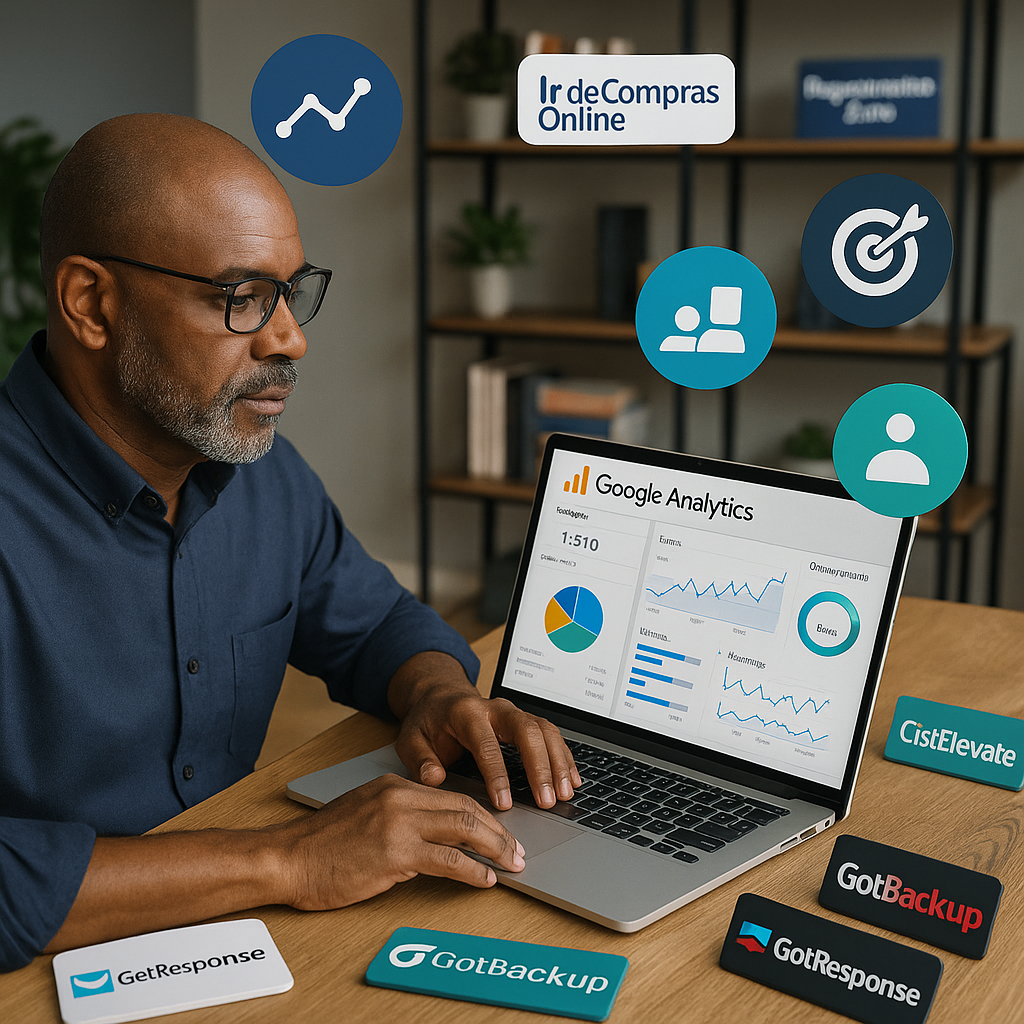
📉 Week 14: Google Analytics
Learn how to use Google Analytics to track, measure, and improve your digital marketing performance. Discover key metrics, tools, and insights to grow your online business effectively.
🌟 Introduction
In the digital world, data is everything — but it’s only valuable if you understand it. That’s where Google Analytics comes in.
This free yet powerful tool helps you track who visits your website, where they come from, and what they do once they’re there. With this information, you can make smarter decisions, improve user experience, and maximize your marketing results.
Let’s break down how to use Google Analytics like a pro and transform raw data into meaningful business insights.
🧠 1. What Is Google Analytics?
Google Analytics is a web analytics platform that tracks and reports website traffic, user behavior, and campaign performance.
It tells you not just how many people visit your site, but who they are, what they want, and how they interact with your content.
Think of it as your digital dashboard — helping you monitor every aspect of your online performance in real time.
📊 2. Why Google Analytics Is Essential
Without analytics, you’re flying blind. With it, you can make data-driven decisions that improve your ROI.
Here’s why it matters:
- 🎯 Understand Your Audience: Learn demographics, interests, and behavior.
- 💰 Track Conversions: See which campaigns drive sales or leads.
- 🧭 Measure Marketing Channels: Identify which platforms deliver the best traffic.
- ⚙️ Optimize Content: Discover which pages attract or lose visitors.
- 📈 Improve ROI: Invest your time and budget where it matters most.
Analytics gives you the power to predict, plan, and perform better.
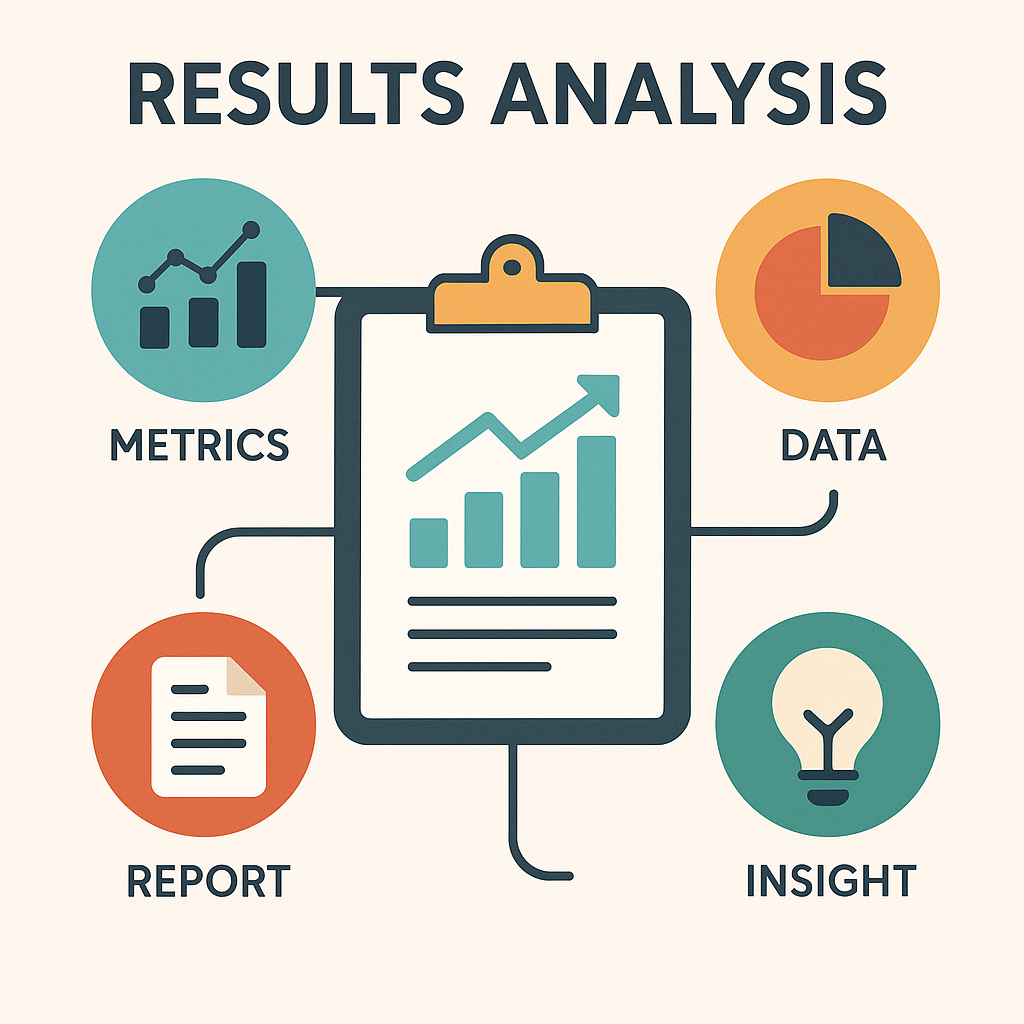
🧩 3. Key Metrics You Should Monitor
To make sense of the data, focus on these fundamental metrics:
| Metric | Meaning | Why It Matters |
|---|---|---|
| Users | Number of unique visitors | Shows total reach and audience growth |
| Sessions | Total visits, including repeats | Measures engagement frequency |
| Bounce Rate | % of visitors leaving without interaction | Indicates content relevance and UX |
| Average Session Duration | Average time spent on site | Reveals user interest level |
| Traffic Sources | Where visitors come from | Helps identify top-performing channels |
| Conversion Rate | % of users completing a goal | Measures campaign effectiveness |
Each of these tells a different story about how well your website performs.
⚙️ 4. Setting Up Google Analytics
If you haven’t already, setting up Google Analytics is easy:
- Sign Up: Go to analytics.google.com.
- Add Your Website: Create a new property for your domain.
- Install Tracking Code: Copy the provided JavaScript code into your site header.
- Verify Data: Use the “Real-Time” view to confirm tracking works.
From there, you can start gathering data immediately.
📍 5. Understanding Traffic Channels
Google Analytics categorizes your traffic into key channels:
- Organic Search: Visitors from search engines (SEO).
- Direct: Visitors typing your URL directly.
- Referral: Visitors coming from other websites.
- Social: Traffic from social media platforms.
- Email: Visitors clicking links in newsletters.
- Paid Search: Visitors from Google Ads campaigns.
Knowing where your audience comes from helps you focus your marketing budget wisely.
💡 6. Advanced Features for Marketers
Once you’re comfortable with the basics, explore these powerful tools:
✅ Goals & Conversions: Track actions like purchases, sign-ups, or downloads.
✅ UTM Parameters: Add tags to your links to track specific campaigns.
✅ Behavior Flow: Visualize how visitors navigate your site.
✅ Audience Reports: Segment users by demographics or interests.
✅ Custom Dashboards: Monitor your favorite metrics in one view.
These insights reveal the “why” behind your numbers — helping you act strategically.
📈 7. Common Mistakes to Avoid
❌ Ignoring data trends — small shifts can signal big opportunities.
❌ Focusing on vanity metrics like “likes” instead of conversions.
❌ Forgetting to track goals or set up events.
❌ Not connecting Google Analytics with Google Ads for unified reporting.
Remember: data without interpretation is just noise — your job is to find the story in the stats.
🚀 Conclusion & Call to Action
Google Analytics is more than a tracking tool — it’s your digital compass. It guides you toward what’s working and away from what’s not, helping you grow with clarity and confidence.
👉 This week, spend 30 minutes exploring your Analytics dashboard. Identify your top-performing pages, your biggest traffic sources, and one metric you want to improve.
Next week: Week 15 — Video Advertising: How to Captivate, Engage, and Convert.
Debe estar conectado para enviar un comentario.