
By Marvin Gandis
Discover how to generate consistent traffic, build a responsive email list, and monetize attention using safelists and traffic exchanges — even if you’re starting from scratch.
Introduction: The Traffic Nobody Talks About
In a world dominated by paid ads, influencers, and algorithm-driven platforms, most beginners believe they need money to make money online.
Not true.
Safelists and traffic exchanges remain one of the most overlooked training grounds for new marketers. When used strategically, they can help you:
- Generate daily traffic
- Build an email list
- Test subject lines and offers
- Learn conversion psychology
- Create automated income systems
They are not shortcuts.
They are skill accelerators.
Let’s break it down step by step.
What Are Safelists?
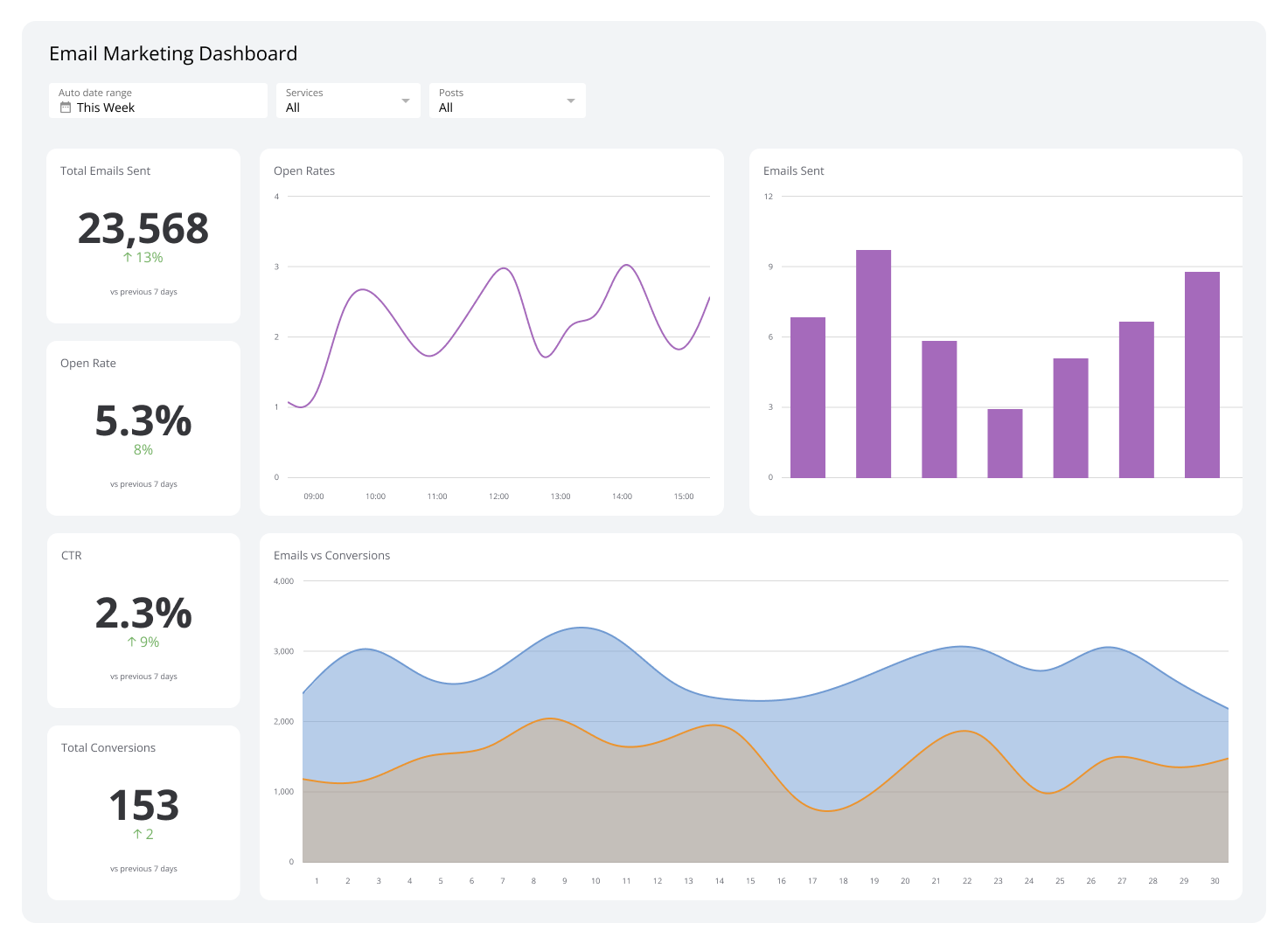
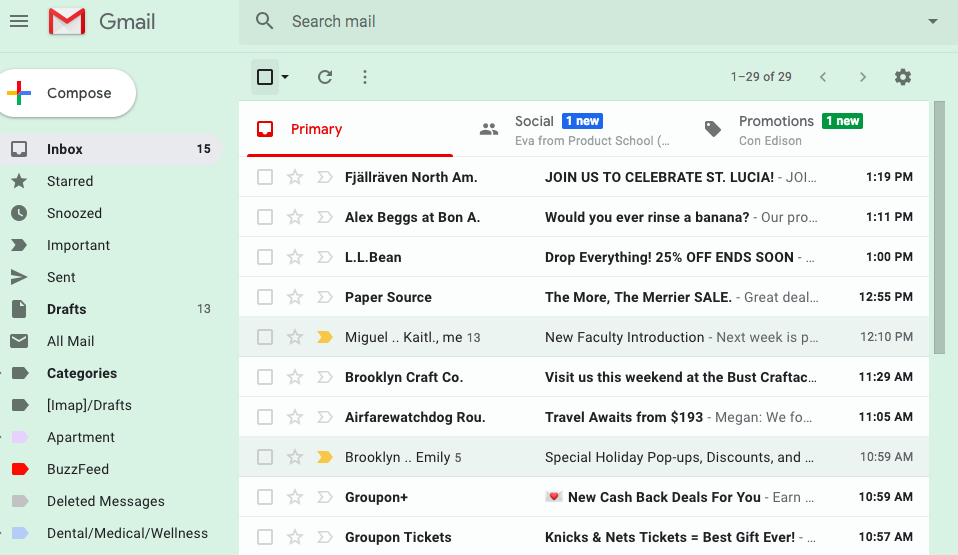

A safelist is a permission-based email marketing community where members agree to receive promotional emails from other members.
You earn credits by clicking emails — and then use those credits to send your own promotional messages.
Popular examples include:
The key advantage?
You instantly gain access to thousands of active online marketers — without running ads.
What Are Traffic Exchanges?
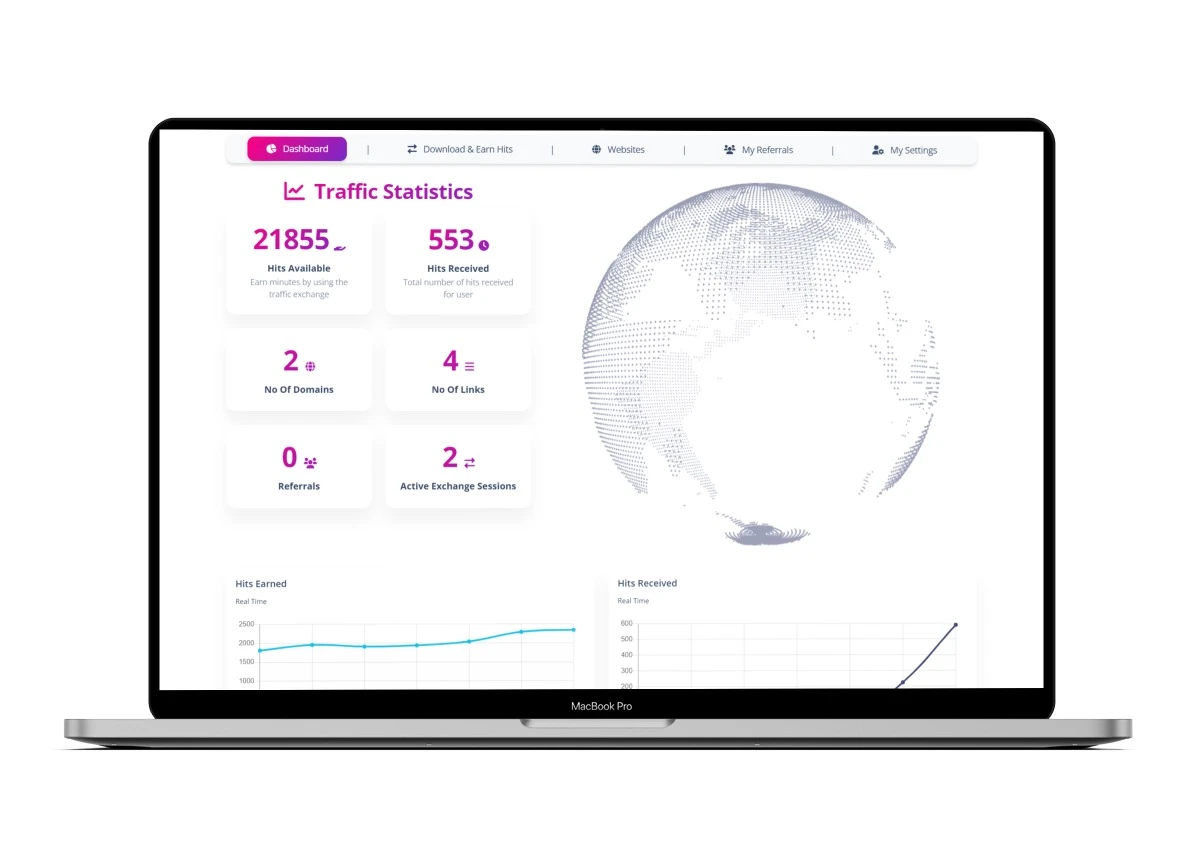

Traffic exchanges operate differently.
Instead of emails, members view each other’s websites to earn credits. Those credits are then used to show your page to other members.
Well-known platforms include:
Safelists = inbox exposure
Traffic exchanges = page exposure
Used together, they create layered visibility.
Step 1: Set Up Your Foundation Properly
Create a Dedicated Email Account
Use Gmail exclusively for traffic tools.
Why?
- Keeps your primary inbox clean
- Organizes daily safelist clicks
- Helps track responses
- Separates testing from personal communication
Create folders like:
- Click Daily
- Sent Promotions
- Leads
- Tracking
Organization builds momentum.
Use RoboForm for Efficiency
Speed matters when working with multiple traffic tools.
Use RoboForm to:
- Auto-fill logins
- Store credentials
- Save time daily
The less friction you face, the more consistent you’ll be.
Step 2: Build a High-Converting Squeeze Page


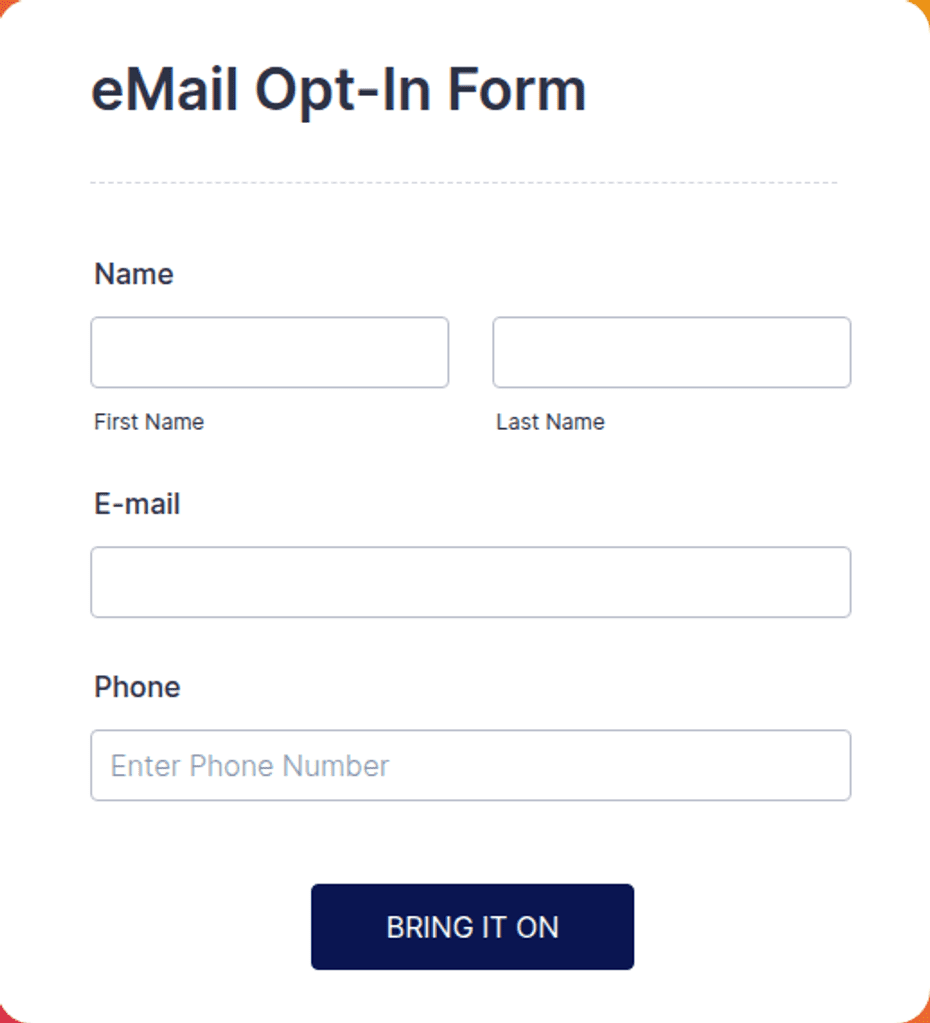
Never send safelist or traffic exchange visitors directly to an affiliate link.
That’s beginner behavior.
Instead:
- Send traffic to a squeeze page
- Offer something simple and relevant
- Capture the email address
- Follow up with automation
Essential elements of a converting squeeze page:
- Clear benefit-driven headline
- Short supporting explanation
- Simple opt-in form
- One call to action
- No distractions
The goal is not to sell immediately.
The goal is to capture and nurture.
Step 3: Write Subject Lines That Get Clicked
Safelist users receive hundreds of emails daily.
Your subject line determines survival.
Effective frameworks:
Curiosity
“I Didn’t Expect This to Work…”
Direct Benefit
“Turn 30 Minutes Into Leads”
Pattern Interrupt
“Stop Promoting That”
Specific Outcome
“7 Opt-ins Before Lunch”
Keep it short. Clear. Intriguing.
Avoid hype and spammy claims.
Professional curiosity converts better than exaggerated promises.
Step 4: Earn Credits Faster — But Intelligently
How to Earn Credits Efficiently
- Click consistently every day
- Join multiple platforms
- Set daily time blocks (30–60 minutes)
- Use timers and batching
Consistency beats intensity.
How to Spend Credits Smartly
- Promote your squeeze page only
- Test one offer at a time
- Rotate subject lines
- Track opt-ins per campaign
Do not promote random links.
Focused campaigns win.
Step 5: Know When to Upgrade
Free memberships help you learn.
Upgrades increase exposure and speed.
Upgrade when:
- Your squeeze page converts
- You understand tracking
- You’re committed to consistency
- You want higher daily reach
Upgrading before testing is gambling.
Upgrading after validation is scaling.
Step 6: Track Your Results Like a Professional
Professionals measure. Beginner’s guess.
Track:
- Emails sent
- Click-through rate
- Opt-ins
- Conversion rate
- Sales
Use simple tools like:
- Google Sheets
- Unique tracking links
- Campaign IDs
Review data weekly. Improve monthly.
Optimization creates compounding results.
Step 7: Automate with Rotators and Autoresponders
Traffic without automation equals burnout.
Once leads enter your list:
- Set up a 5–10 email autoresponder sequence
- Deliver value before pitching
- Introduce offers naturally
- Use link rotators to test different programs
Automation turns daily effort into long-term leverage.
This is where income becomes predictable.
Step 8: Monetize with the Right Offers
Safelist and traffic exchange audiences typically respond best to:
- Make money online offers
- Traffic systems
- Email marketing tools
- Entry-level digital programs
- Affiliate training
Match audience psychology to the offer category.
Relevance increases conversion rates dramatically.
Access to 18 Traffic Tools Strategy
A strong beginner stack could include:
- 6 safelists
- 6 traffic exchanges
- 3 solo ad style platforms
- 3 rotator systems
Diversification protects momentum.
One platform may fluctuate.
Multiple platforms stabilize traffic flow.
The Real Purpose of Safelists and Traffic Exchanges
Let’s be clear.
These platforms are not “get rich quick” systems.
They are:
- Traffic testing labs
- Conversion training grounds
- Email marketing classrooms
- Discipline builders
If you treat them seriously, they teach you:
- Copywriting
- Tracking
- Funnel optimization
- Offer positioning
- Automation fundamentals
These skills transfer to every other traffic source — including paid ads.
Final Thoughts: Build the Asset
Traffic is temporary.
Email lists are permanent.
The real objective is not clicks.
It is ownership.
When you build your list, you:
- Control communication
- Control follow-up
- Control monetization
- Control long-term growth
Safelists and traffic exchanges can be your launchpad.
But only if you treat them like a business — not a lottery ticket.
⚖️ AFFILIATE DISCLAIMER
Disclosure: This article may contain affiliate links. If you choose to purchase through these links, I may earn a commission at no additional cost to you. I only recommend tools and platforms that I believe provide value for online marketers and entrepreneurs. Results are not guaranteed and depend on individual effort, strategy, and consistency.

Debe estar conectado para enviar un comentario.