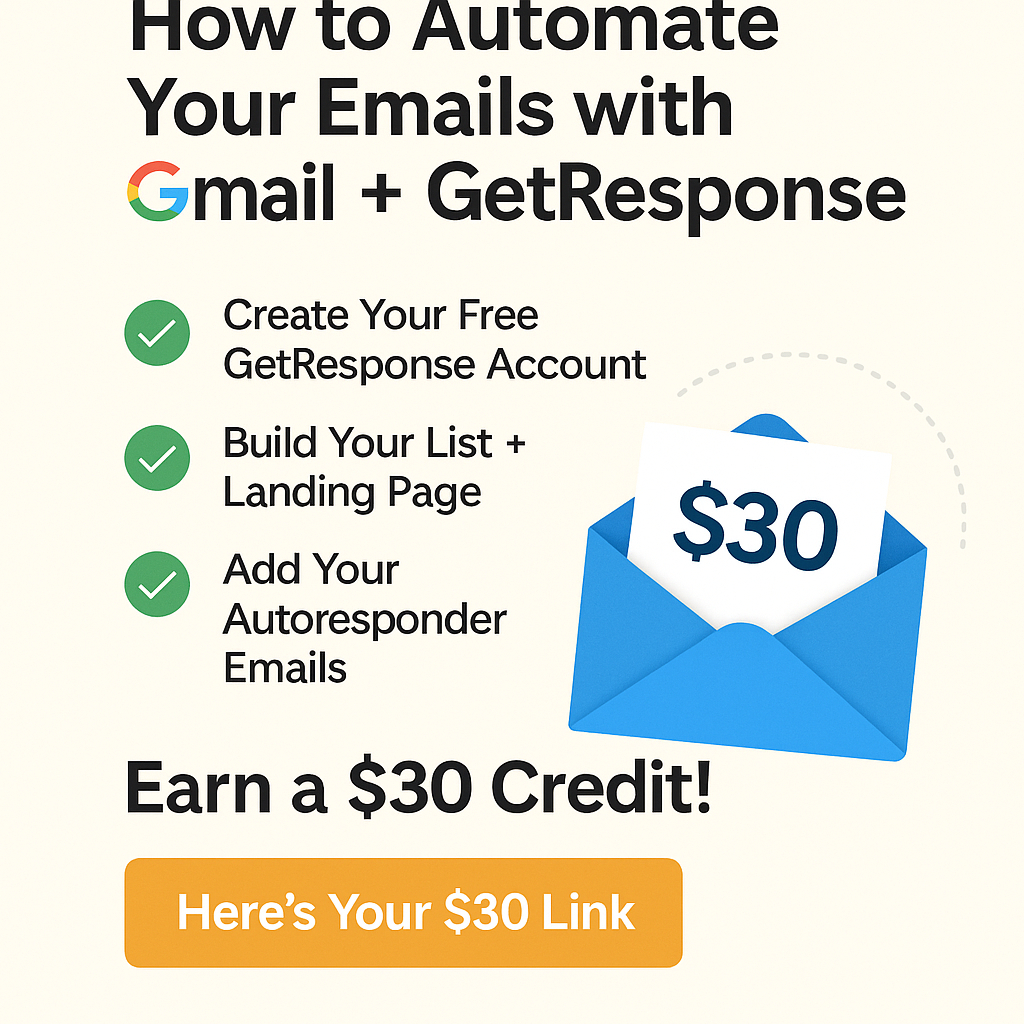
Are you still manually replying to emails or missing out on business opportunities because you don’t have an email automation system? It’s time to level up your communication game—and the good news is, you can do it easily using your Gmail (or any email) with a powerful tool called GetResponse.
Whether you’re a content creator, small business owner, freelancer, or someone starting an online venture, this guide will show you how to connect Gmail with GetResponse to start automating your emails like a pro—and even earn a $30 credit while doing it! 🚀
✨ Why Automate Your Emails?
Here’s what email automation can do for you:
- 📬 Instantly welcome new subscribers
- ⏳ Save hours replying manually
- 🔄 Send scheduled emails (even while you sleep)
- 💡 Deliver lead magnets like free PDFs or courses
- 💰 Increase sales with strategic follow-up sequences
🔗 Gmail + GetResponse: A Power Duo
Even if you’re using Gmail, Yahoo, or Outlook, you can integrate any email account into GetResponse and use it to send professional, automated messages.
✅ Step 1: Create Your Free GetResponse Account
Sign up and set your Gmail (or any email) as your sender address.
👉 You can start here
(Yes, this link gives you a $30 credit when you upgrade to a paid plan!)
✅ Step 2: Build Your List + Landing Page
- Create a subscriber list (ex, “Newsletter,” “Leads,” “Workshop”)
- Use a drag-and-drop builder to make a landing page or form
- Connect it to your list so you can start collecting emails
📌 Example Use: Share the link in your Gmail signature or social media.
✅ Step 3: Add Your Autoresponder Emails
With GetResponse, you can write and schedule automated emails that go out:
- Day 0: Welcome email
- Day 1: Intro to your service or offer
- Day 2: Share a tip or story
- Day 3: Invite them to take action (buy, download, sign up)
You can prepare everything once and let the system do the work. All tied to your Gmail account for easy visibility.
💸 Invite Your Friends and Earn $30 Each!
Once you fall in love with GetResponse (and you will), you can refer your friends and fellow creators. For every person who becomes a paid user, you both get a $30 credit!
🗣️ How to Share:
- Post your link on social media ✅
- Include it in your email signature ✉️
- Send it to a friend who runs a business or blog 💼
👋 Final Thoughts
You don’t have to be a tech expert to start automating your business communications. With tools like GetResponse, even beginners can build high-converting funnels, autoresponders, and newsletters—starting from your everyday Gmail account.
So why not automate smarter, save time, and earn while you learn? Let your emails work for you. The $30 is waiting.
🔗 Start Here with Your $30 Credit
Debe estar conectado para enviar un comentario.