⭐ ARTICLE 5
Introduction
Most beginners freeze at the same moment:
🔥 “I understand WHAT AI can do… but HOW do I actually build something myself?”
The truth is simple:
Your first AI automation does NOT need to be perfect, complex, or advanced.
It only needs to work and solve a small problem for someone.
That alone is enough to get your first client.
Today, I’ll walk you step-by-step through creating a simple AI automation that business owners value and pay for:
➡️ An AI FAQ Chatbot that answers questions and captures leads 24/7.
Let’s build it together — one clear step at a time.
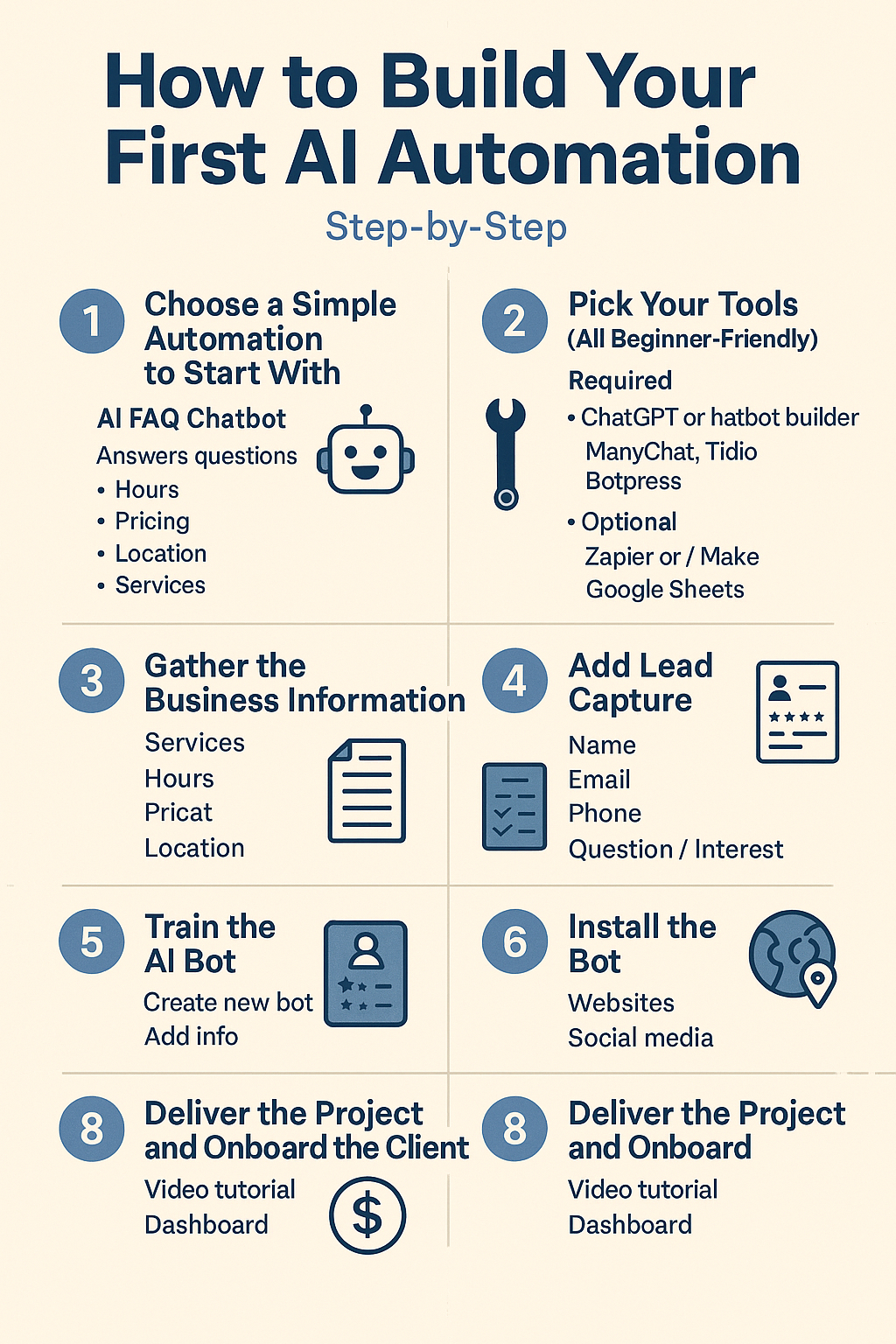
🧱 STEP 1 — Choose a Simple Automation to Start With
For beginners, the best first automation is:
✅ AI FAQ Chatbot
It answers common questions like:
- Hours
- Pricing
- Location
- Services
- Policies
And it captures lead information automatically.
Why start here?
Because every business needs it, and it’s the easiest to build.
🌐 STEP 2 — Pick Your Tools (All Beginner-Friendly)
Use any of these:
Required:
- ChatGPT (free or paid)
- A chatbot builder:
- ManyChat
- Tidio
- Botpress
- Chatbase
Optional (for extra power):
- Zapier or Make (to connect apps)
- Google Sheets (to store leads)
Choose one chatbot builder — don’t overthink it.
📄 STEP 3 — Gather the Business Information
You need “training” information for the bot.
Ask the business owner (or collect from their website):
- What services do you provide?
- What are your hours?
- What are your prices?
- Where are you located?
- What questions do customers ask every day?
- What phone/email should the bot use?
- Do you offer online booking?
This step makes your bot accurate and useful.
🤖 STEP 4 — Train the AI Bot
Inside your chatbot tool:
- Create a new bot
- Add the business information
- Let AI generate responses
- Edit for clarity
- Test common questions:
- “What are your hours?”
- “Do you accept insurance?”
- “How do I book an appointment?”
- “Where are you located?”
Fix answers if needed.
Your bot is now functional.
📝 STEP 5 — Add Lead Capture
Add a simple form:
- Name
- Phone
- Question / Interest
This turns your chatbot from “helpful” into profitable.
Businesses LOVE seeing leads collected automatically.
🧪 STEP 6 — Test the Automation
Test the bot on:
- Mobile
- Desktop
- Website chat
- Social media
- Messenger
- WhatsApp (if connected)
Check:
- Response accuracy
- Lead capture form
- Speed
- User experience
- Booking links
Fix small issues until smooth.
🌍 STEP 7 — Install the Bot
Depending on the channel:
- Website: paste embed code
- Instagram / Facebook: connect via ManyChat
- WhatsApp: connect via WhatsApp API platforms
- Landing page: embed widget
Now the business has 24/7 automation running.
💵 STEP 8 — Deliver the Project and Onboard the Client
Provide:
- A short video tutorial
- Chatbot summary
- Lead capture dashboard
- Instructions on how to update info
Offer monthly maintenance:
💰 $50–$300/month
For simple updates, reporting, and optimization.
This is where your recurring income grows.
🌟 Conclusion
Your first AI automation does NOT require:
✘ Coding
✘ Experience
✘ Complex tools
✘ Expensive software
It requires:
✔ A simple system
✔ A business problem
✔ The right tools
✔ Clear instructions
✔ A service mindset
If you can follow the steps above, you can build your first AI automation TODAY — and get your first client faster than you imagine.
This single skill can change your income forever.
⚠️ Disclaimer :
This guide is for educational purposes only. Results vary depending on individual effort and skill.
Debe estar conectado para enviar un comentario.